Garden Layout & Supply Planner
Build a bed the user can actually plant, see how many plants each crop can support, check sowing depth and spacing, and open a printable seed-to-harvest guide when the plan is ready.
Bed area
2.88 m²
Plant slots
0
Crop count
0
Active shape
Raised Bed
Step one
Pick the bed shape and enter the real usable size
This wizard keeps the preview tied to the numbers you type. Circle uses a true diameter, square stays equal on both sides, and the other shapes keep their exact proportions.
Type first
Enter the inside dimensions rather than the outer frame so the estimate stays accurate.
Preview next
Use the live preview to confirm the shape before moving to crop selection.
Garden type
Choose the garden area
Area
2.88 m²
Slots
0
Density
0 /m²
Mode
Raised Bed
Exact image sizes
Pick one of the supported sizes so the bed image always matches the real layout.
Use the long side from inner edge to inner edge.
Use the short side from inner edge to inner edge.
Optional: only fill this in if the bed has depth you want to account for.
Start with centimetres unless you already measured in metres or millimetres. Length is the longest inner side, width is the shorter inner side, and depth is only needed for deeper beds or fill-volume estimates.
Preview
A visual check of the bed before you plant.
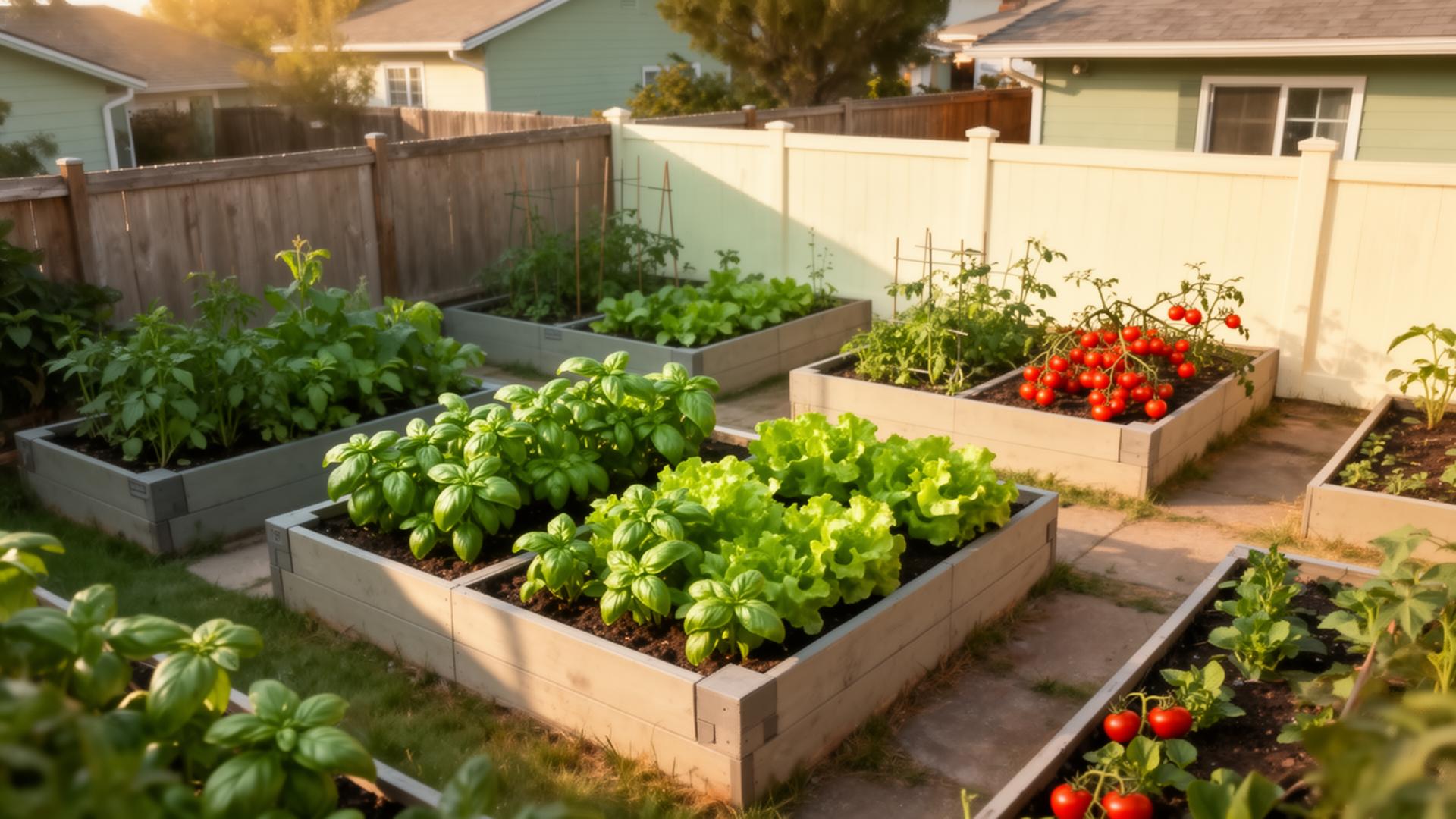
Raised bed preview
A simplified bed preview shaped from your selected dimensions.
Raised bed preview
240 cm · 120 cm